
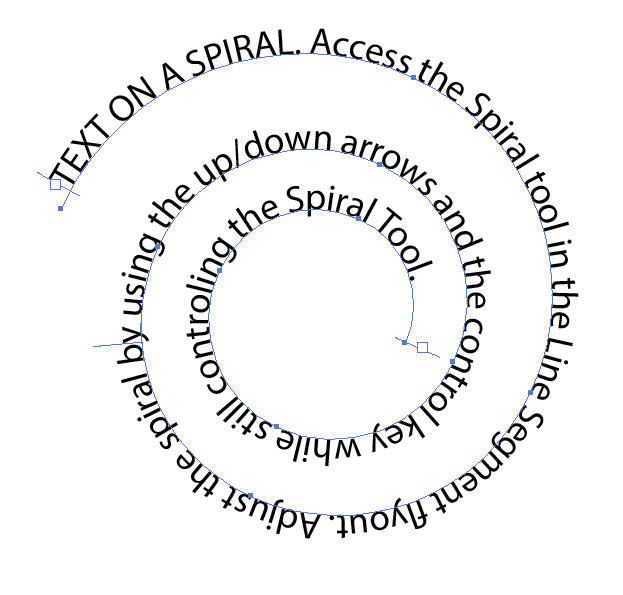

In Illustrator, the Spiral Tool is located in the tool bar, hidden under the Line Segment Tool. Click and drag out a default 10 segment spiral. To change the features, try holding down the Control Key and/or the Up/Down arrows while creating the Spiral.

